Why Must Printing Files Be in Vector Format?
Learn why vector artwork is essential for custom packaging and how it ensures sharp printing, accurate colors and reliable production results
Why does your packaging supplier ask for an AI, EPS or editable PDF file instead of a JPG?
The answer is simple: vector files give the printer more control over size, color, cutting lines and finishing positions. They help turn your design into packaging that looks clean, accurate and consistent.
What Is a Vector File?
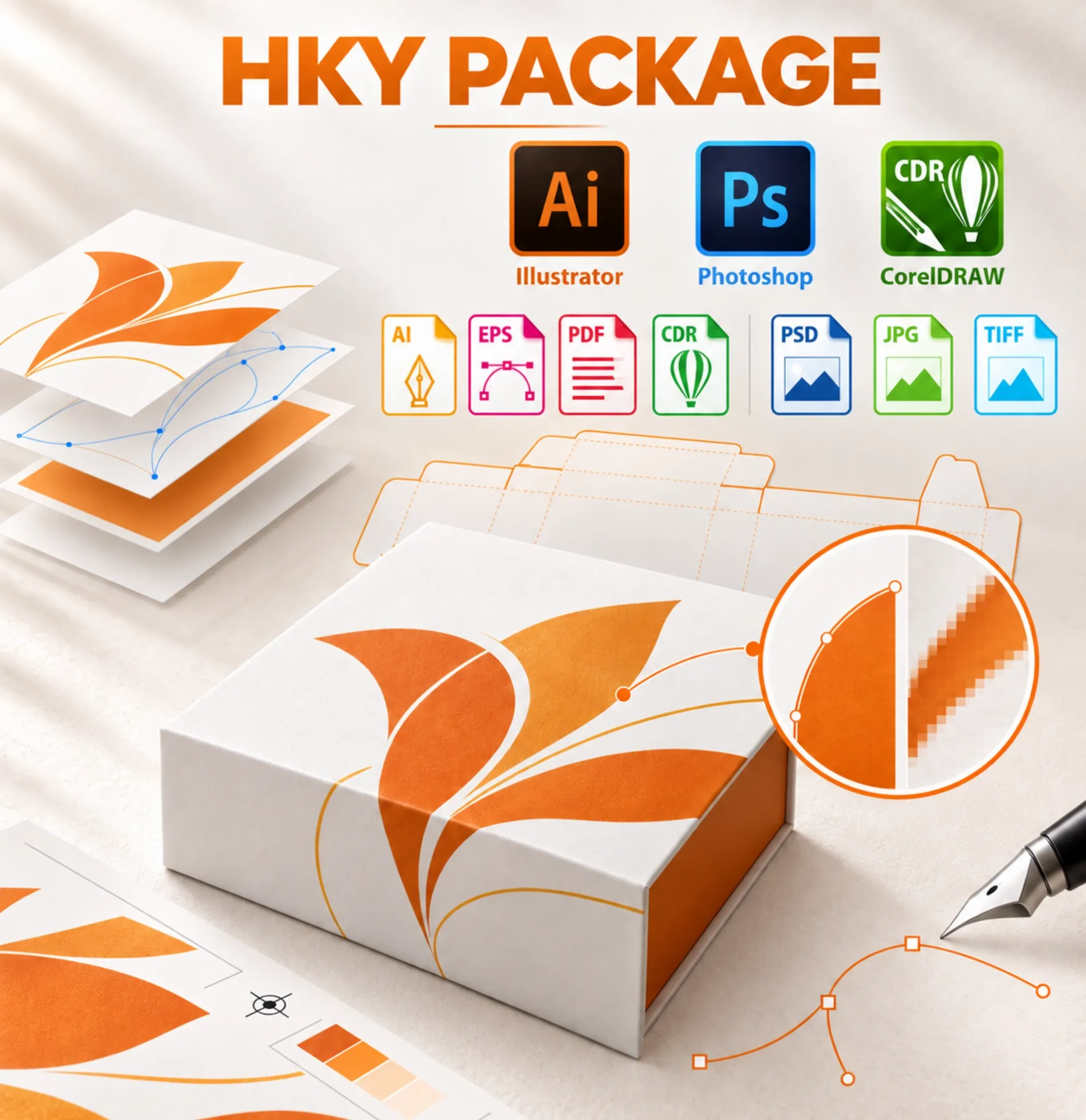
A vector file is built from mathematical paths rather than fixed pixels. Logos, text, icons and line drawings can therefore be enlarged or reduced without losing clarity.
Common vector formats include AI, EPS, SVG and editable PDF. An image placed inside an AI file is not automatically vector artwork—the original content must also be editable.
Why Vector Artwork Matters in Packaging
01. Sharp Printing at Any Size
A small JPG logo may look clear on a computer screen but become blurred or jagged when enlarged. Vector artwork keeps edges, fine lines and small text sharp on boxes of different sizes.
02. More Accurate Color Control
Vector files allow individual elements to be checked and adjusted. The printer can identify CMYK or Pantone colors, prepare separate color plates and reduce unexpected color differences.
03. Precise Finishing Positions
Foil stamping, spot UV, embossing, debossing and white ink require separate production layers. These layers must use clean vector paths so the finishing can be positioned correctly.
04. Reliable Dielines
Packaging dielines contain cutting, creasing, folding and glue-area information. A vector dieline gives the production team exact paths to follow and helps prevent structural errors.
05. Easier Artwork Adjustments
Packaging artwork often needs small changes before production, such as moving a logo, adjusting the bleed or converting a color. Editable vector files make these corrections faster and reduce the risk of rebuilding the design.
Are JPG and PNG Files Completely Unusable?
Not always. High-resolution JPG, PNG, TIFF or PSD files can still be suitable for photographs, textures and complex background images.
However, logos, text, dielines and special-finishing areas should preferably remain in vector format. Simply converting a low-resolution JPG into an AI or PDF file will not improve its quality.
What Should You Send to Your Packaging Supplier?
- An editable AI, EPS or PDF file
- The correct packaging dieline
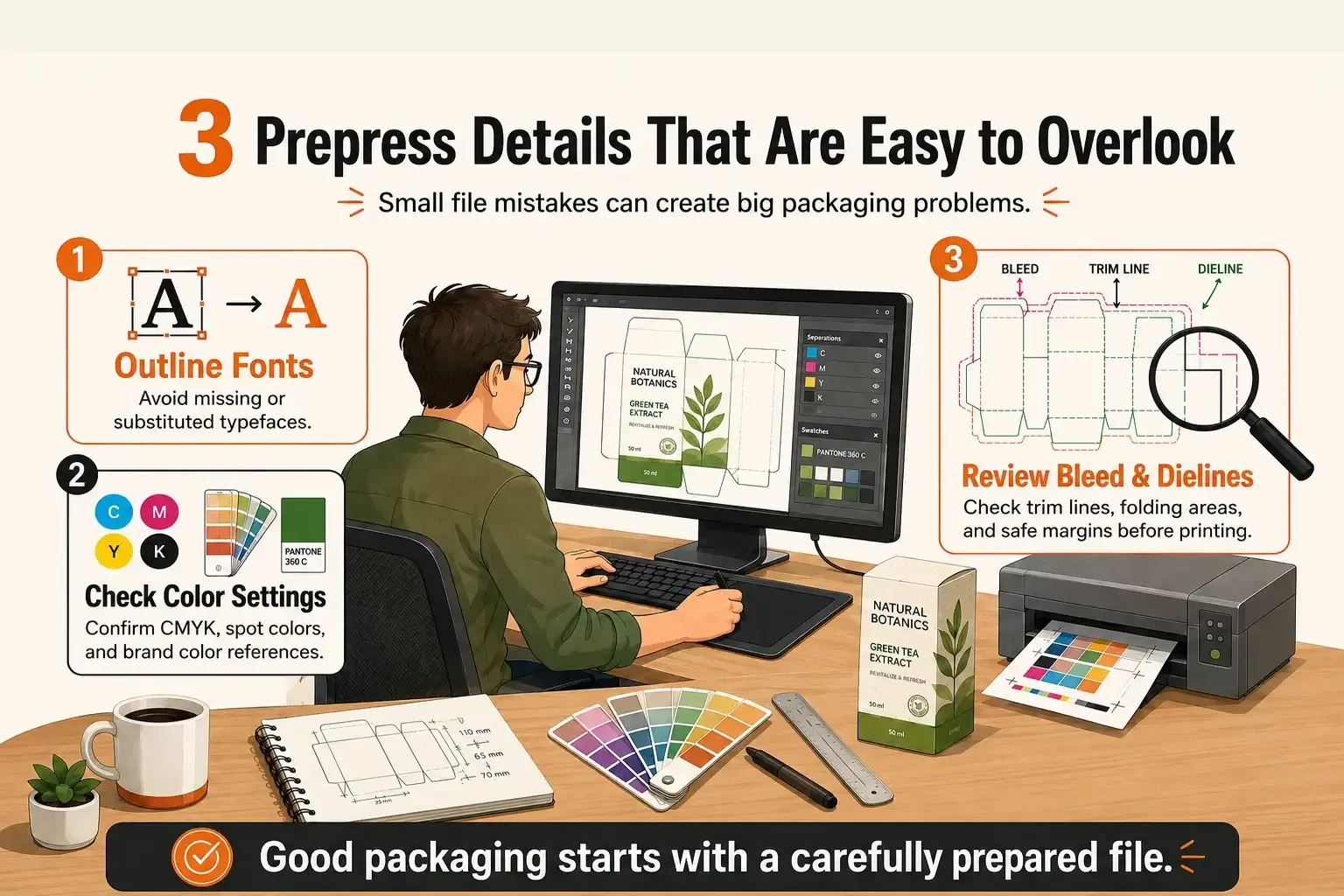
- Outlined fonts or the original font files
- CMYK or specified Pantone colors
- Separate layers for foil, UV, embossing and white ink
- High-resolution linked images with sufficient bleed
What If You Do Not Have a Vector File?
Do not worry. Send us the best-quality file you have. The HKY PACKAGE team can check whether it is suitable for printing and advise which parts need to be redrawn or adjusted.
We also provide artwork assistance, dieline support and digital mock-ups to help customers prepare their packaging files before sampling.
A vector file is not just a format requested by the printer. It is the foundation for sharp graphics, accurate finishing and reliable packaging production.